
Download Microsoft Edge Beta APK – Free Web Browser, Mobile Browser, Chromium-Based, Insider Program, Preview Channel
Overview
Microsoft Edge Beta is a mobile web browser designed for Android devices, serving as a preview version of the standard Microsoft Edge browser. Developed by Microsoft, it allows users to access and test upcoming features before they are released in the stable version. The app is part of the Microsoft Insider Program, offering early access to innovations within the Chromium-based browser ecosystem. This version is positioned as the final preview stage before features are rolled out to the general public, following the Dev and Canary channels. It provides a near-stable experience suitable for daily use while still being subject to ongoing refinement.
The primary purpose of Microsoft Edge Beta is to bridge the gap between development and deployment. It enables users to experience new functionalities such as interface updates, performance enhancements, and feature integrations in a controlled environment. Target users include tech enthusiasts, early adopters, and individuals interested in contributing to the improvement of a widely used browser. Real-world usage scenarios include testing new browsing tools, evaluating performance under real conditions, and providing feedback that influences future updates. The developer did not provide additional system requirements beyond the Android platform.
Key Features & Capabilities
- Early Access to New Features – Users can experience upcoming functionalities before the stable release, including UI refinements, search enhancements, and integration improvements.
- Chromium-Based Architecture – Built on the open-source Chromium codebase, ensuring compatibility with modern web standards and a familiar browsing experience.
- Insider Program Integration – Part of Microsoft’s official Insider Program, allowing users to contribute feedback and suggestions directly to the development team.
- Stability-Focused Preview – Unlike earlier preview channels, Beta offers a more polished and reliable experience, suitable for daily browsing with minimal disruptions.
- Regular Update Cycle – Major updates typically arrive every six weeks, with incremental fixes and minor improvements released shortly after.
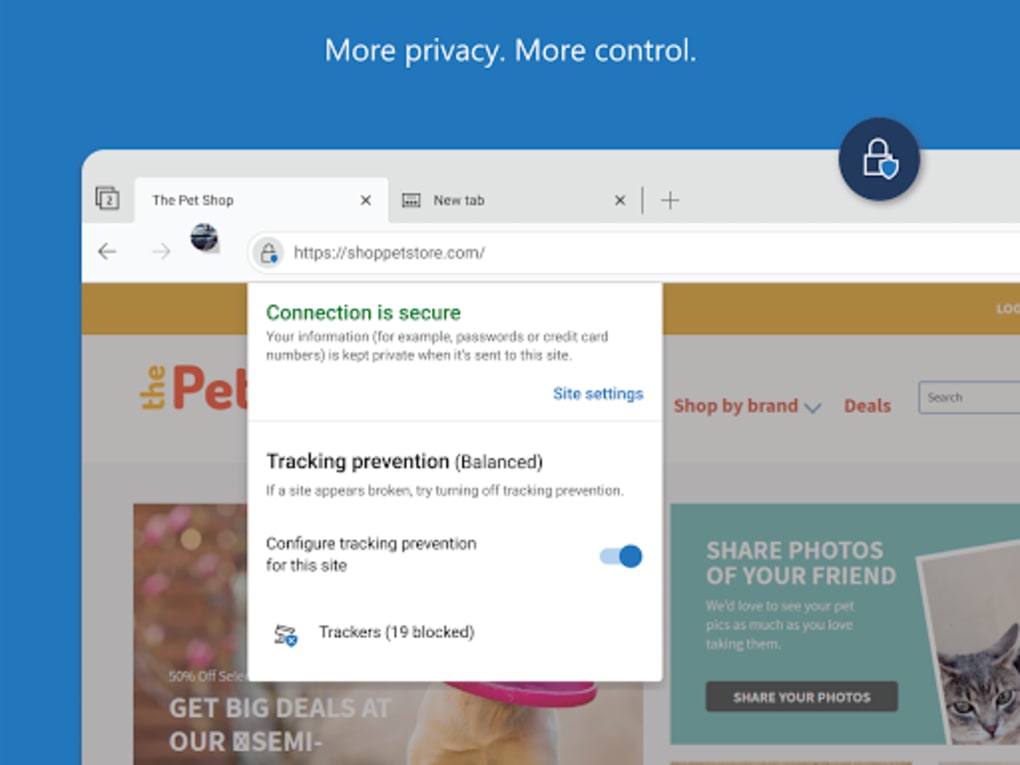
These features allow users to stay ahead of the curve while helping shape the future of the browser. For example, testing new tab management tools or enhanced privacy controls in a real-world setting helps identify usability issues before mass rollout. The ability to report bugs and suggest improvements fosters a collaborative development model. The developer did not specify performance metrics or detailed technical capabilities beyond the general functionality.
User Interface, Workflow & Performance
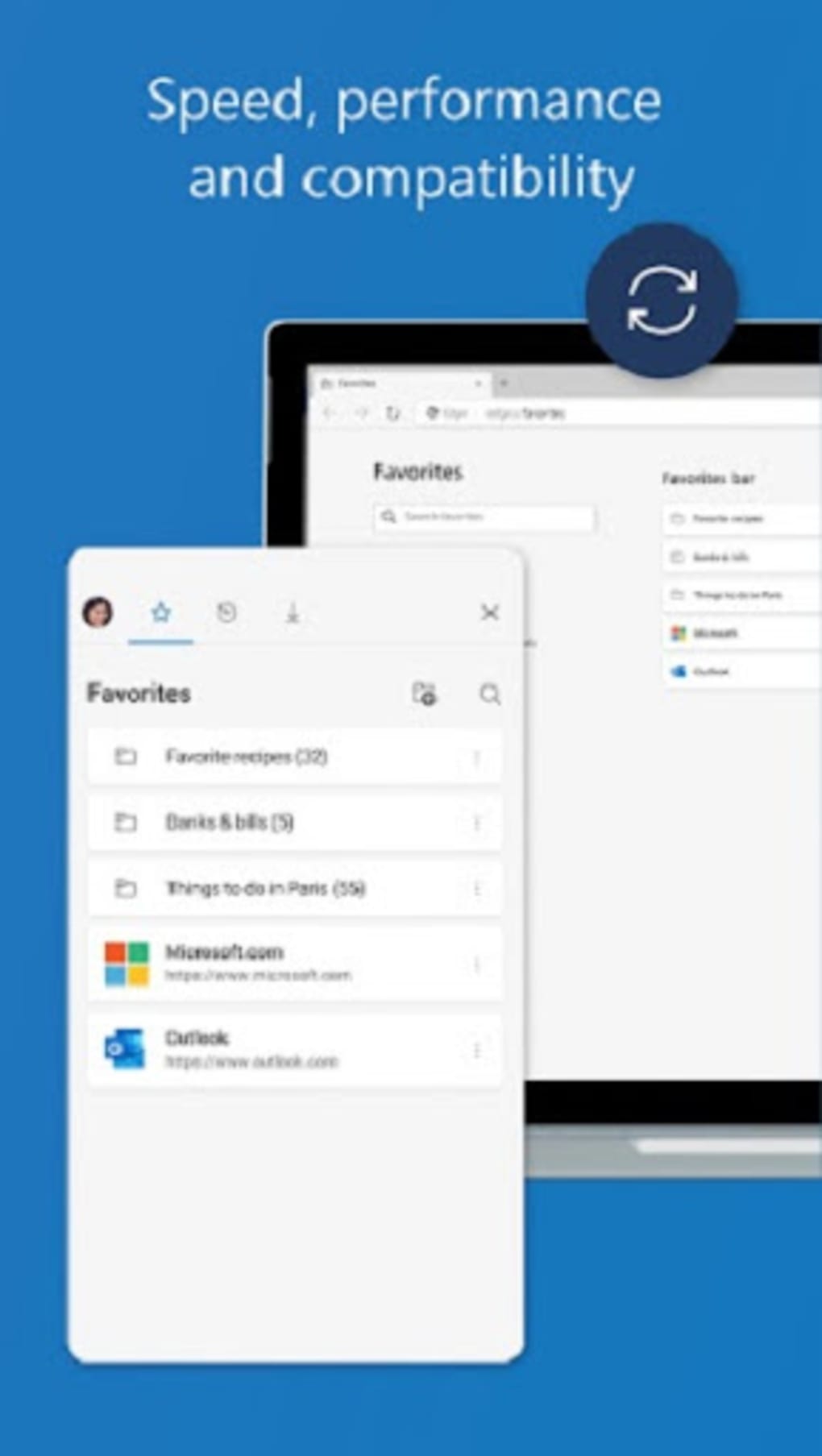
The user interface of Microsoft Edge Beta follows the design language established in the standard Edge browser, offering a clean, intuitive layout optimized for mobile devices. Navigation is streamlined with a bottom bar for tabs, bookmarks, and settings, while the address bar integrates search and URL input seamlessly. The workflow is designed for efficiency, with quick access to frequently used features such as reading mode, password manager, and download history.
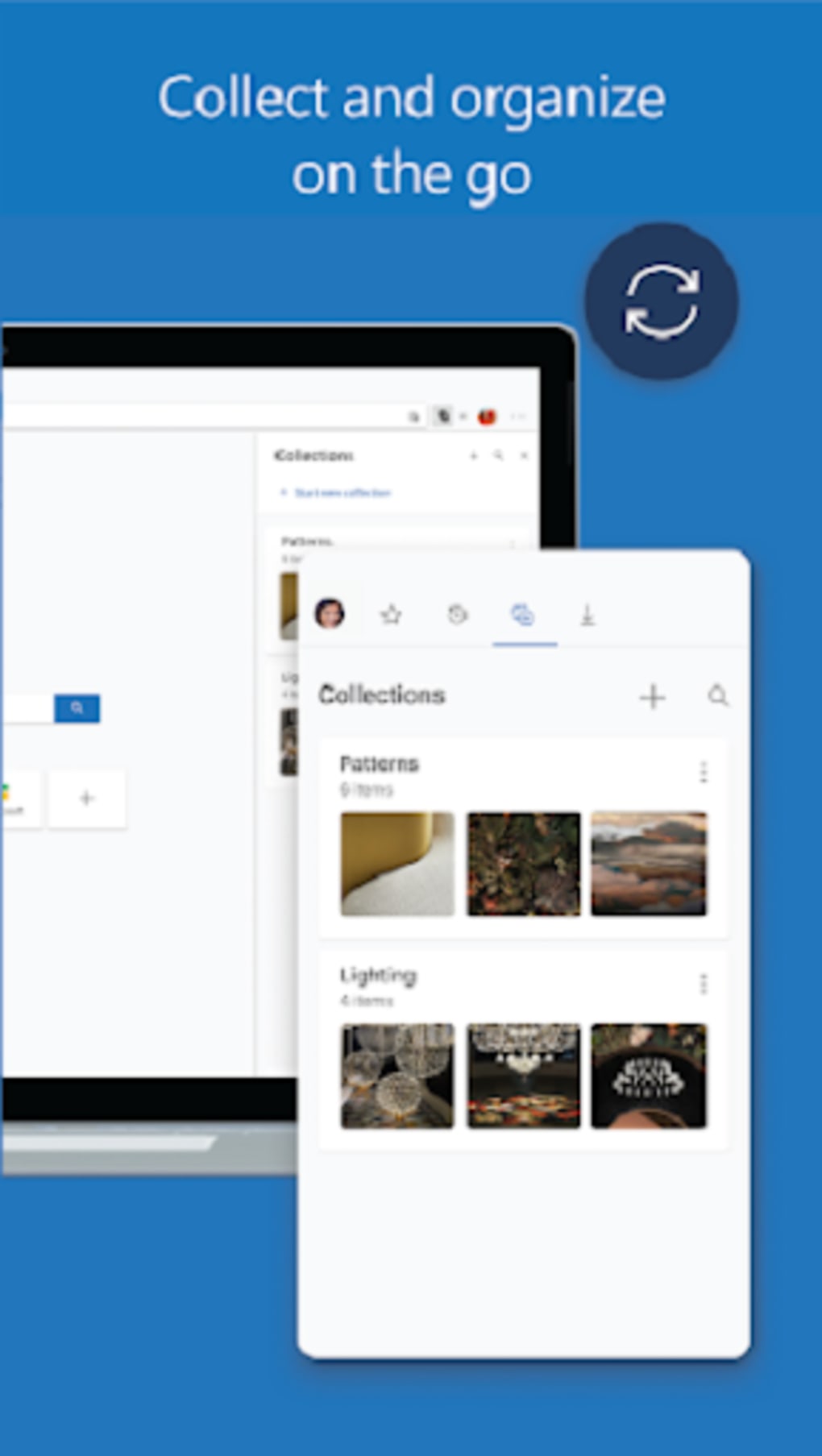
Users can expect a consistent experience across devices, thanks to synchronization via Microsoft accounts. The browser supports multiple profiles, private browsing, and seamless integration with other Microsoft services. Performance observations are based on general software behavior patterns.
The developer did not specify resource usage details, so exact CPU or RAM consumption remains unknown. Stability appears to be a priority, given the Beta channel’s position as the final preview stage before release. However, occasional bugs or inconsistencies may still occur, as is typical for preview software.
Compatibility & System Requirements
Microsoft Edge Beta is designed for Android devices. The supported operating system is Android, though specific version requirements were not listed. The installation size is 122.7 MB, which is typical for a modern mobile browser.
The developer did not provide additional hardware or software requirements. Compatibility information was partially provided, and exact system requirements were not listed. Users should ensure their device meets general Android compatibility standards for running modern applications.
Pros and Cons
Pros
- Early access to upcoming features before stable release
- Part of the official Microsoft Insider Program with direct feedback channels
- Chromium-based for full web compatibility and modern standards support
- Stable and polished preview experience suitable for daily use
- Free to download and use
Cons
- May contain occasional bugs or instability despite being a Beta release
- No detailed system requirements provided
- Updates may require frequent reinstallation or manual checks
- Not ideal for users seeking a fully stable, long-term browser
- Requires active participation in the Insider Program for full benefits
FAQ Section
Is Microsoft Edge Beta safe to use?
Yes, Microsoft Edge Beta is a secure browser developed by Microsoft. It uses the same core security protocols as the stable version, including sandboxing and phishing protection. However, as a preview release, it may contain untested features that could introduce instability.
Can I use Microsoft Edge Beta alongside the stable version?
Yes, both the Beta and stable versions of Microsoft Edge can be installed on the same device. Users can switch between them based on their needs, though they will maintain separate profiles and data.
How often are updates released?
Major updates are typically released every six weeks, with minor updates and bug fixes delivered shortly after. The exact schedule may vary based on development progress.
Is the license free?
Yes, Microsoft Edge Beta is available at no cost. It is a free tool provided by Microsoft for testing and feedback purposes.
Does it work offline?
Yes, Microsoft Edge Beta supports offline browsing to some extent, including cached pages and saved bookmarks. However, full functionality requires an internet connection.
Final Thoughts
Microsoft Edge Beta offers a compelling option for users who want to stay ahead of the curve in web browsing technology. With early access to new features, integration into the Microsoft Insider Program, and a stable preview experience, it serves as a valuable tool for tech-savvy users and developers alike. While it is not intended for users seeking a completely bug-free environment, its reliability and functionality make it suitable for daily use with a degree of caution. The browser’s Chromium foundation ensures compatibility with modern websites and services, and its free nature enhances accessibility.
For professionals, early adopters, and those passionate about shaping the future of web browsing, Microsoft Edge Beta delivers real value. It combines innovation with practicality, offering a near-stable release that still allows meaningful contributions to development. If you’re eager to test new features and help refine the next generation of Edge, this is the ideal platform.
Download Microsoft Edge Beta now






.png)
